
Painting a Mystic Mountain and Galaxy Sky in 5 Steps

Painting a Mystic Mountain and Galaxy Sky may seem complicated but it is actually very achievable and fun. With the right techniques which I will be showing you in detail, and the accompanying process video above, you can definitely create your own watercolor version of this piece. When I started this painting, I wanted to paint a magical mystic mountain that blends with the galaxy and this is by far the closest to what I envisioned it to look like. I love how the painting turned out and definitely I’d attempt this again in the future.
Steps in Painting a Mystic Mountain and Galaxy Sky
1. Wet the paper and start painting the galaxy. Starting from the bottom I painted Gamboge blending with Quinacridone Red using a flat brush. I sprayed water to achieve a smoother gradient.
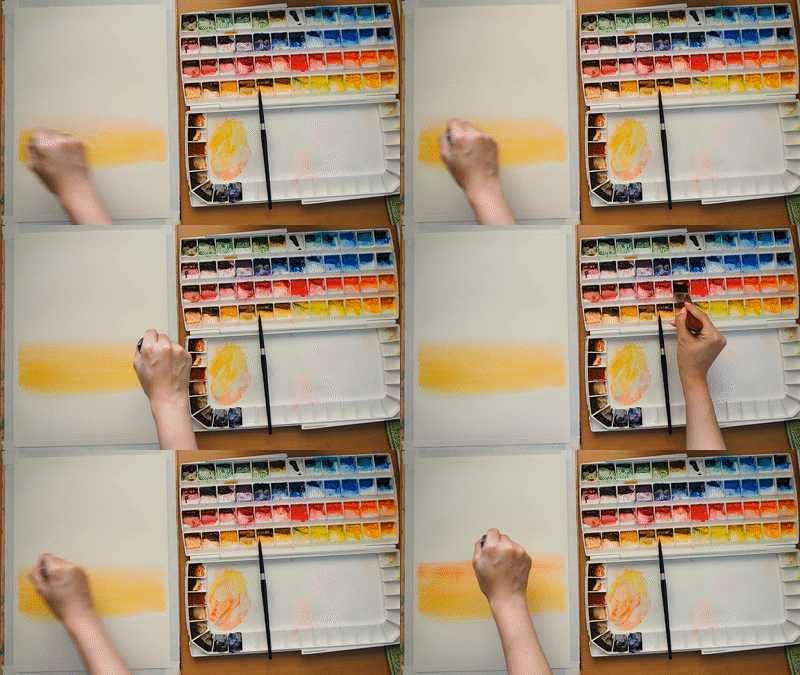
2. Building up the night sky. The stars in the galaxy formed in a vertical shape across the sky. To achieve this, the orange mixture from gamboge and quinacridone red is applied at the center from the bottom going upwards.
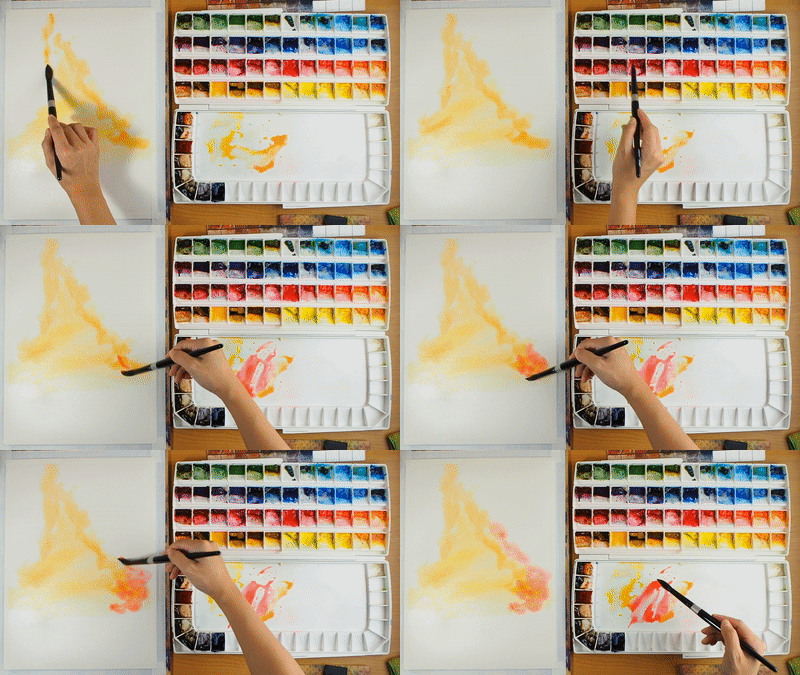
Using a stippling brush movement, I slowly worked my way upwards to build the night sky using the yellow (gamboge), red (Quin. Red) and Orange (the blended colours) as intensely as I see fit to produce the starry effect.
3. Painting the dark area of the sky. I added in Ultramarine Blue to the existing mix of colours and painted it in at the edges of the bright areas and slowly worked my way towards the edge of the paper. 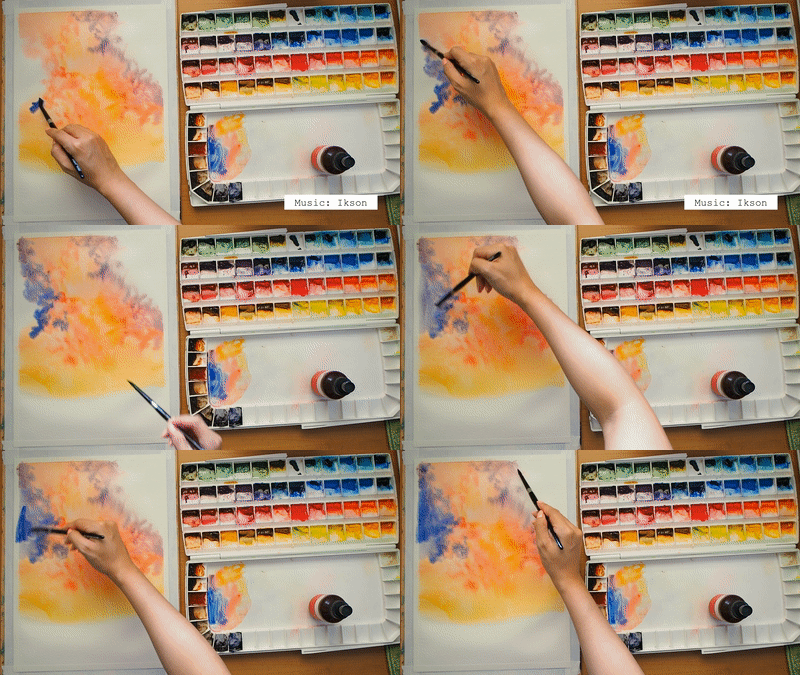
I keep working on the colours, adding more blue to areas farthest from the light, and more red to the areas closer to the light, producing a purplish tone. Then for the darkest area (usually the corners and edges of the paper), I added in Payne’s Grey.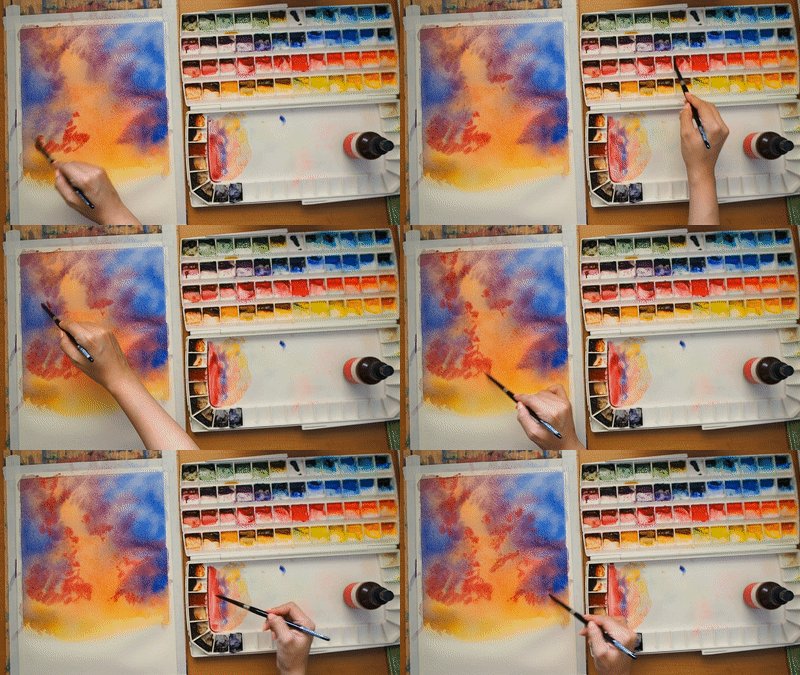
I keep repeating the steps of adding in colours and spraying water to help blend the pigments. I let more of the dark paint, “swallow” the bright areas to add that intense shape of the galaxy.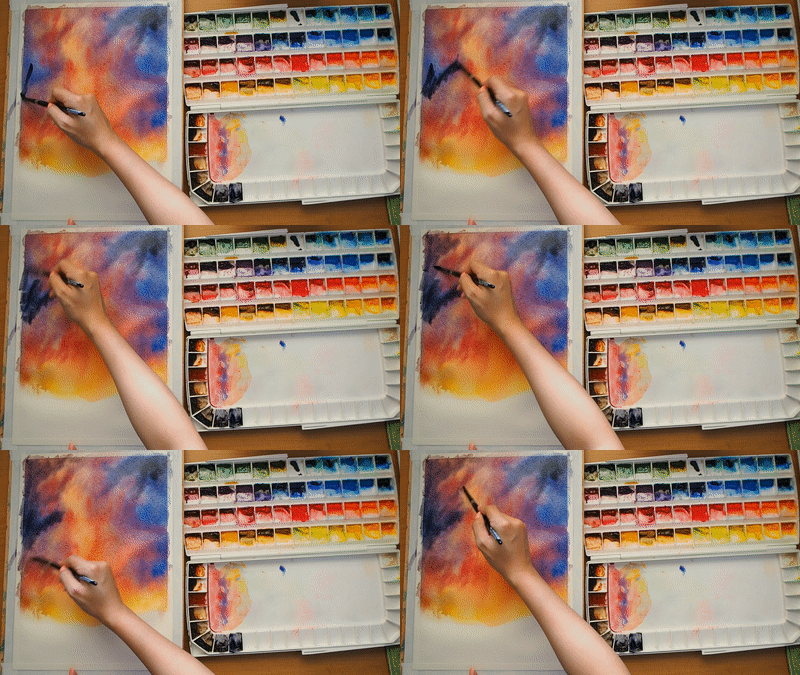
There’s no definite way of painting a galaxy. It’s more or less based on your judgment and painting style. You will know you’re done when you feel you’ve accomplished the look you are going for. And in my case I know I was done when to me, the painting looks like the galaxy I envisioned. Just keep experimenting and have fun 🙂
4. Painting the Mystic Mountain. After I’m satisfied with the night sky, I let the painting dry and started painting the mountain.
I used Raw Umber and Neutral Tint with a little of what was left of the sky mixture to make sure that although there is the right amount of earth tone, the mountain still blends well with the surrounding night sky. I keep picturing the mountain being one with the stars.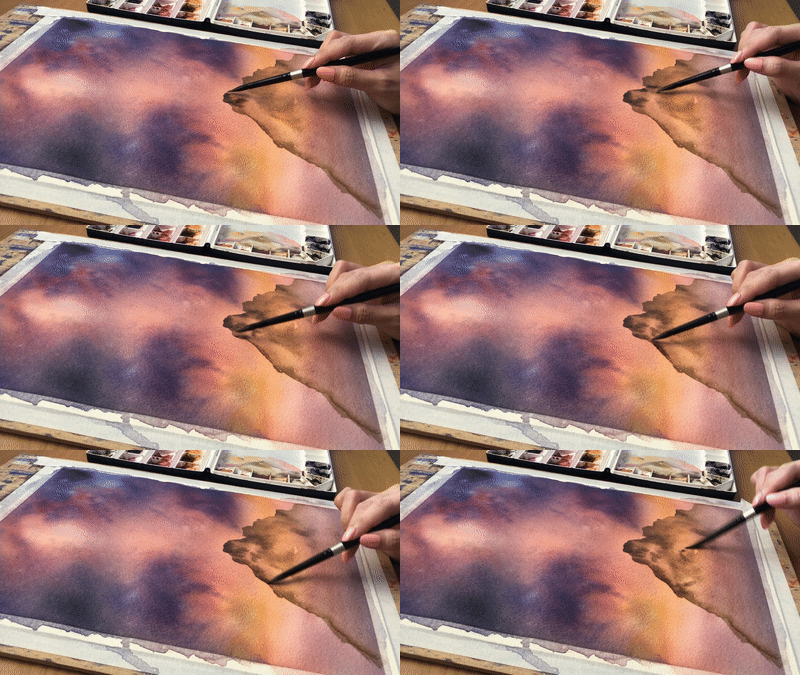
Building up the the details I randomly created dark and light areas to mimic a rocky texture with wet-on-wet technique to give it some mood. I make sure I add in more blues and purples for it to have that mystic feel.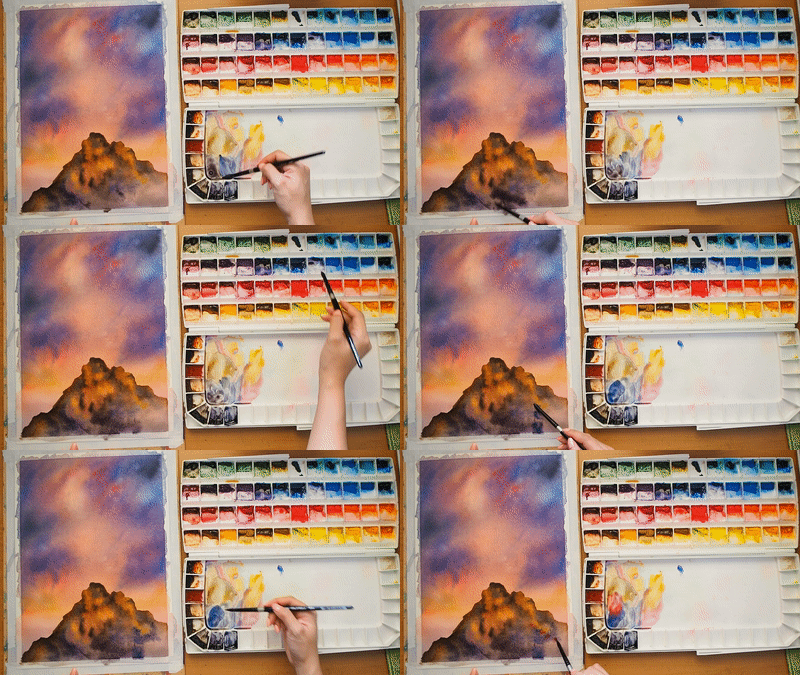
5. Finish the painting with the stars. As for any galaxy painting, finishing touches involves sprinkling in white gouache to paint stars. I made sure not to sprinkle on the mountain by covering it with a scrap paper.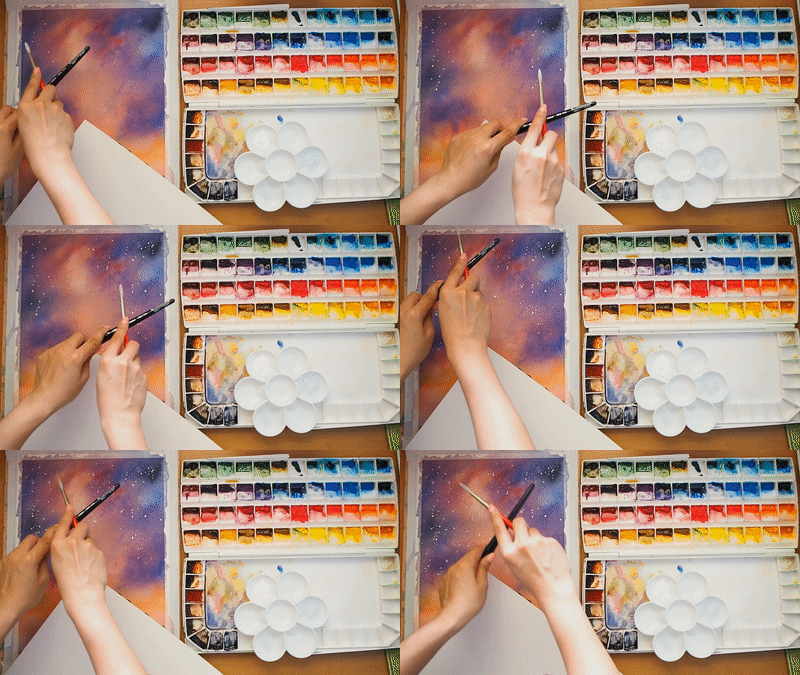
I painted in diamond shape stars in some areas to have more point of interest.
And after letting the painting dry, I knew the painting was done.
Although I’ve explained so much in words, painting an easy night sky and mountain really is simple! Night skies and galaxies are so much fun to paint because the colours can be as dramatic or simple as how you want it. There aren’t definite form or rules to follow, just have fun! How do you find the steps? Do let me know by commenting on the youtube video, or better yet – tagging me with your painting on Instagram so I can see your painting too! For more details of the painting process, watch the full video above, or watch it straight from our youtube channel. I hope you find this painting process useful in your creative journey! Thanks so much and always, happy painting!
Night Sky and Mountain – Finished Piece

10" x 14"
Watercolor on Cotton Rough Paper (300gsm)
Tags: artcamping nightKhadi paperM. GrahammountainPortia Barucstarswatercolor galaxy
Comments are closed.